Document management
Process, approve and retrieve incoming documents with clear ownership at each step.
Explore this product Contact

No Paper Just Online
NOPA connects incoming documents, processing and approvals. See the status of each case, who acts next and what happened before.
Incoming business mail
Receive, scan, verify and forward daily incoming mail through an agreed process. The processed documents can be assigned to the appropriate case and person responsible.
The processing procedure and deadline are agreed individually with each customer.
Document management
Example workflow: an incoming document needs to be identified, checked and assigned to the right case.

A scanned letter, email or uploaded PDF arrives for processing.
Awaiting processing
Text recognition and suggested data help classify the document. A team member checks the details.
Under review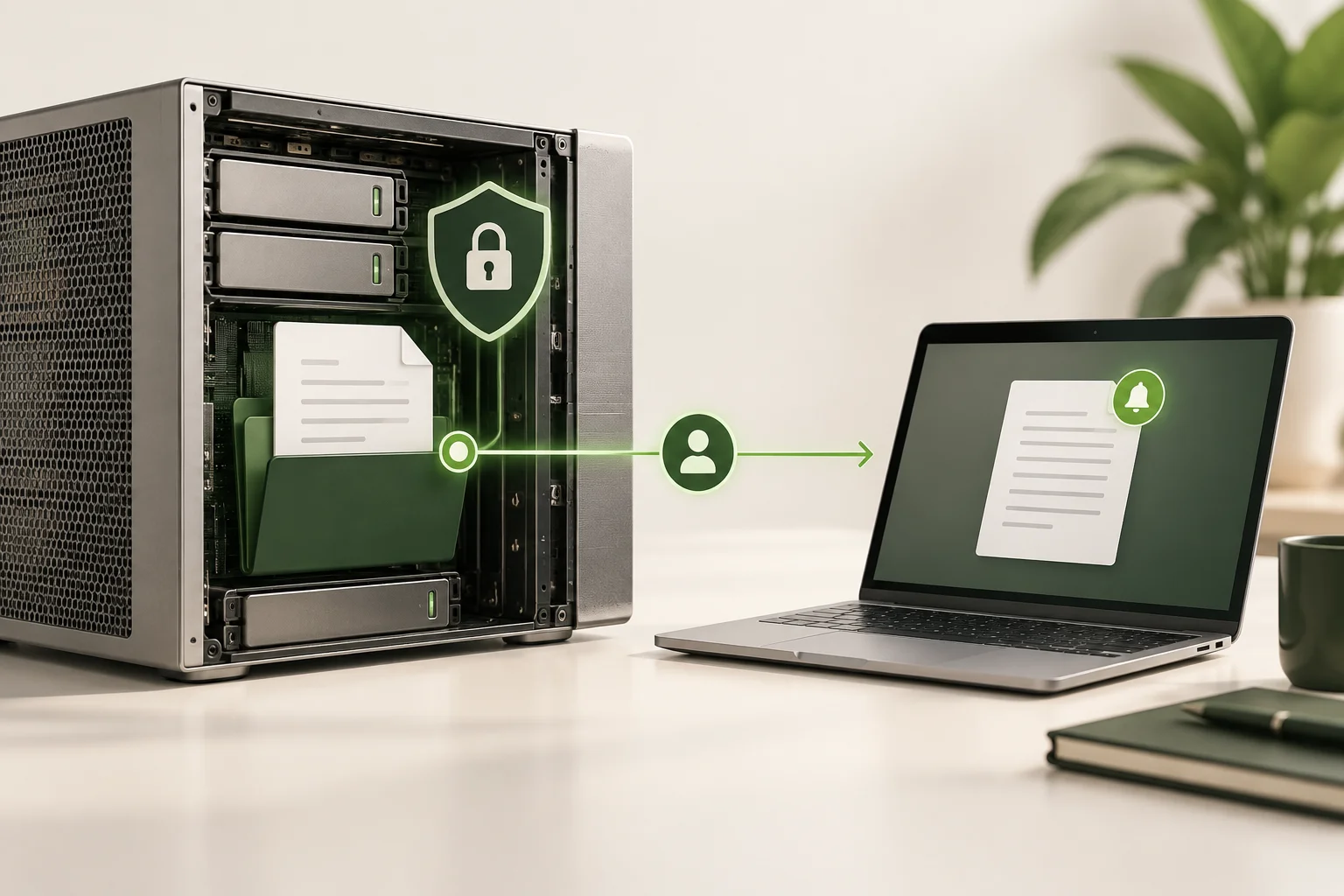
The document is assigned to the right case and person, with the approval steps it needs.
Awaiting approval
View the history of versions, decisions and access alongside the document.
Case closedThe first three images are generated process illustrations; the fourth is an anonymized image of the NOPA interface with Hungarian demonstration data. Click an image to enlarge it.
Combine the software with mail reception, high-volume scanning and document sorting. The assessment can also cover your existing NOPA mail register and incoming mail processes.
Document management can connect to E-route delivery events and your existing systems. PDF generation, invoicing and e-invoicing modules can be provided to meet separately agreed requirements.
Document management in detailNOPA products
Documents, deliveries, forms or customer communication: start with the work that takes the most manual effort today.
Process, approve and retrieve incoming documents with clear ownership at each step.
Explore this productRoute preparation, handover and driver feedback in a trackable delivery process.
Explore this productComplex forms, calculations and reports with configurable, testable business rules.
EQForm in detailSchedule customer emails, track sending and handle delivery failures.
Explore this productWho is it for?
NOPA is for those who consider cost, risk, lead time, integration and cross-departmental operations.
Executive perspective
Track document tasks, decisions and delivery events together. See where work has stalled and decide what happens next.
IT leadership perspective
Documented APIs, separate customer environments and traceable background processing support integration. A technical assessment clarifies the connections and implementation requirements.
Customer service perspective
Track document status, ownership, comments, access and customer events in one place, without piecing together information from folders and emails.
Logistics leadership perspective
Routes, stops, packages and delivery notes can be tracked in a common process. Handovers and feedback from drivers help to investigate discrepancies.
Executive perspective
Track document tasks, decisions and delivery events together. See where work has stalled and decide what happens next.
Implementation
We review the documents, who is responsible, the daily volume and the existing systems.
We agree on the features to implement, the integrations needed and the acceptance criteria.
We use the experience and measured results to decide which processes to add next.
Documented procedures
Read the official Hungarian documents for details on retention, copying procedures and personal data processing.
Knowledge base for decision support
The entire knowledge base by topic · Introduction and pricing considerations
Digitization FAQ · Digital archive · Preservation and retrieval · The path of a document - process example
When should you switch, how do you get started, and what matters in day-to-day use?
Five criteria for evaluating document management: time spent, quality, service level, legal issues and security.
Reading articleOrganizational and operational preparation for the switch to digital document management.
Reading articleThe role of document management and regulated procedures in compliance tasks.
Reading articleThe advantages of paperless operation in daily administration.
Reading articleDocument management, data security and collaboration in company administration.
Reading articleManagement of customer service documents and related communications.
Reading articleDeliverability, sender reputation and trackable email delivery.
Reading articleA short guide to the abbreviations and technical terms used on our product pages.
Next step
In a short meeting, we map the path of the document, the points of responsibility and the need for integration. Then we give a concrete proposal that can be introduced gradually.