Receiving mail
Incoming paper-based consignments are received at a designated processing location and opened in a controlled manner.
 Contact
Document management
Processing, approval and retrieval of incoming documents in one place. Keep track of who is working on which document and what decisions have been made.
Operating model
Document versions, data and associated events can be tracked together. In this way, it is possible to see later who modified or approved what.

A scanned document, an e-mail, an uploaded file or a document from an external system may be among the materials awaiting processing.

Text recognition and AI suggestions can help fill in the document type, partner and related contract information. Suggestions can be verified.
Review the data alongside the document and process multiple documents together. Classifications and status changes remain traceable.

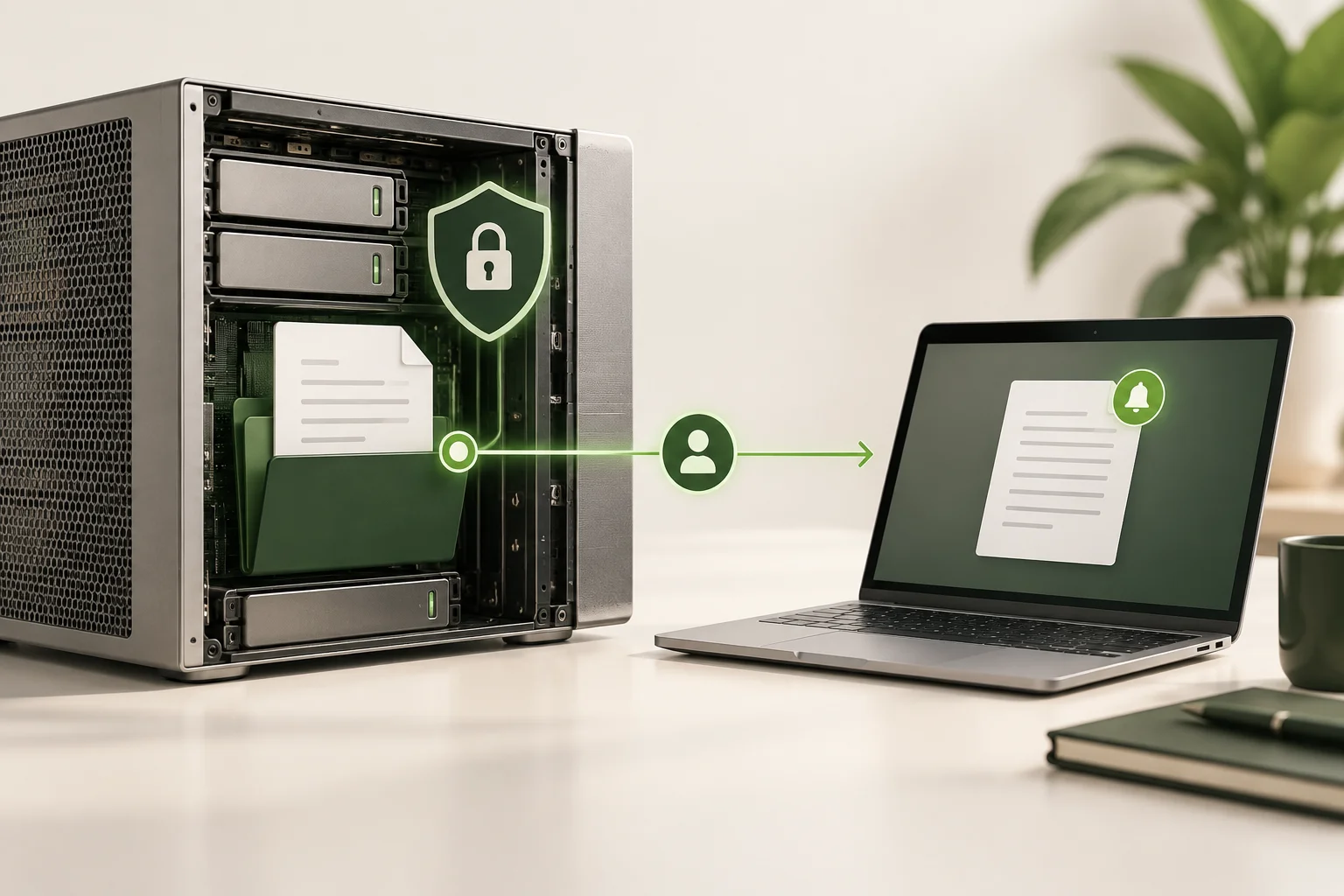
Preservation of document versions and controlled access. A shared link can expire and be revoked.
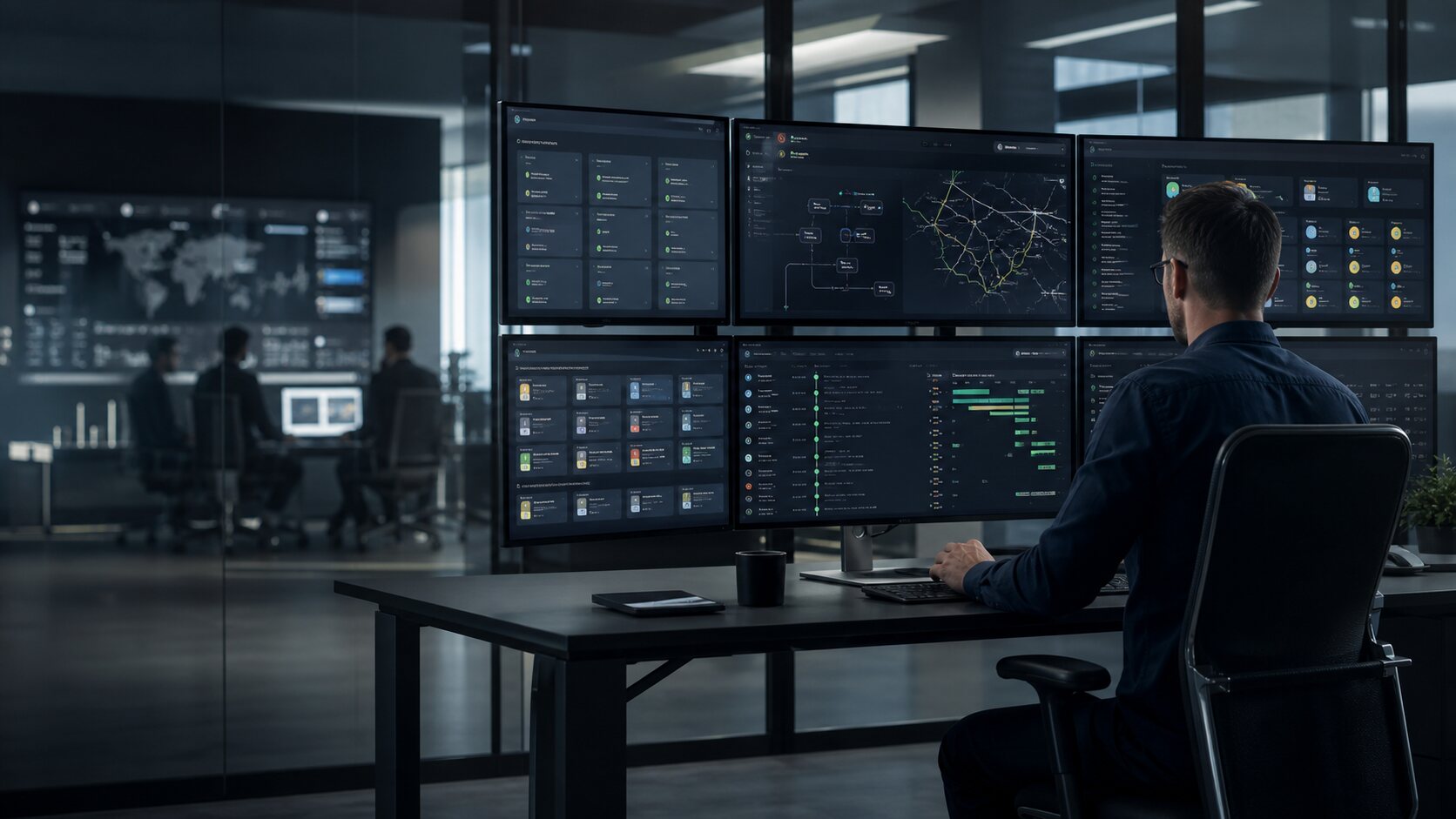
The first three images are generated process illustrations; the fourth is an anonymized image of the NOPA interface with Hungarian demonstration data. Click an image to enlarge it.
Back-office service
Physical shipments can come directly to us. We also provide high-volume daily digitization with industrial scanners, controlled processing steps and the NOPA document sorter.
Incoming paper-based consignments are received at a designated processing location and opened in a controlled manner.
We agree the daily capacity based on the number of mail items and pages, the checking requirements and the required handover deadline.
OCR, metadata proposal, quality control and audited decision link the document to the appropriate business objective.
The sorted material is sent to workflow NOPA or to the agreed company storage and system.
A management perspective
It is faster to see where a document is, who has the next step, and what kind of communication is related to the case.
Access, sharing, retention and event history can be managed in one trackable framework.
OpenAPI, storage adapter, tenant isolation, scope-based authorization and worker-based background processing provide the operational basis.
Technical details
Before implementation, we agree on the features available in the chosen version, the integrations needed and any custom development.
Next step
Digitization FAQ · Digital archive · Document flow and E-route - illustrative example
Introduction and pricing considerations · Knowledge base by topic